Copyrighted
 Download · iPhone, iPad and Mac
Download Copyrighted
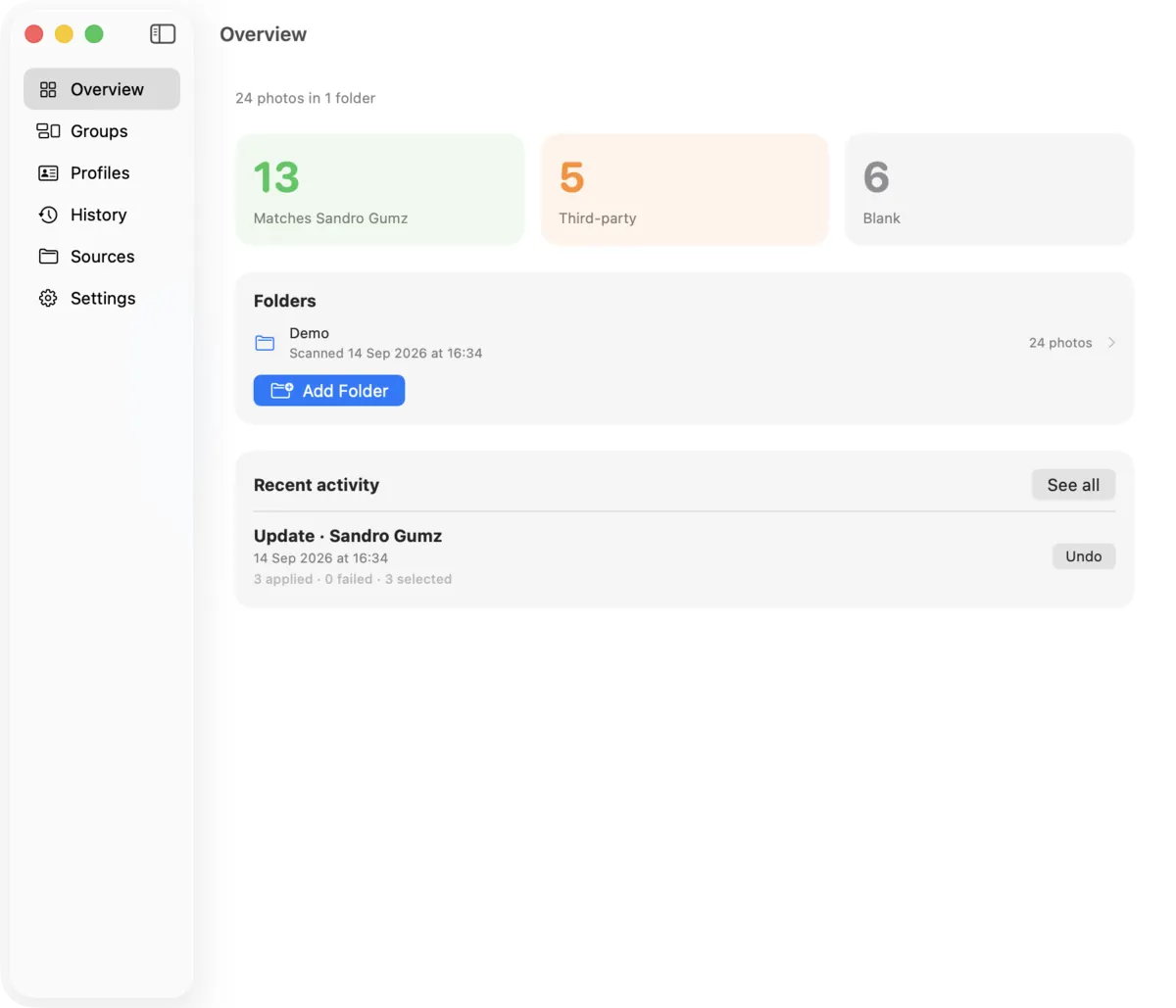
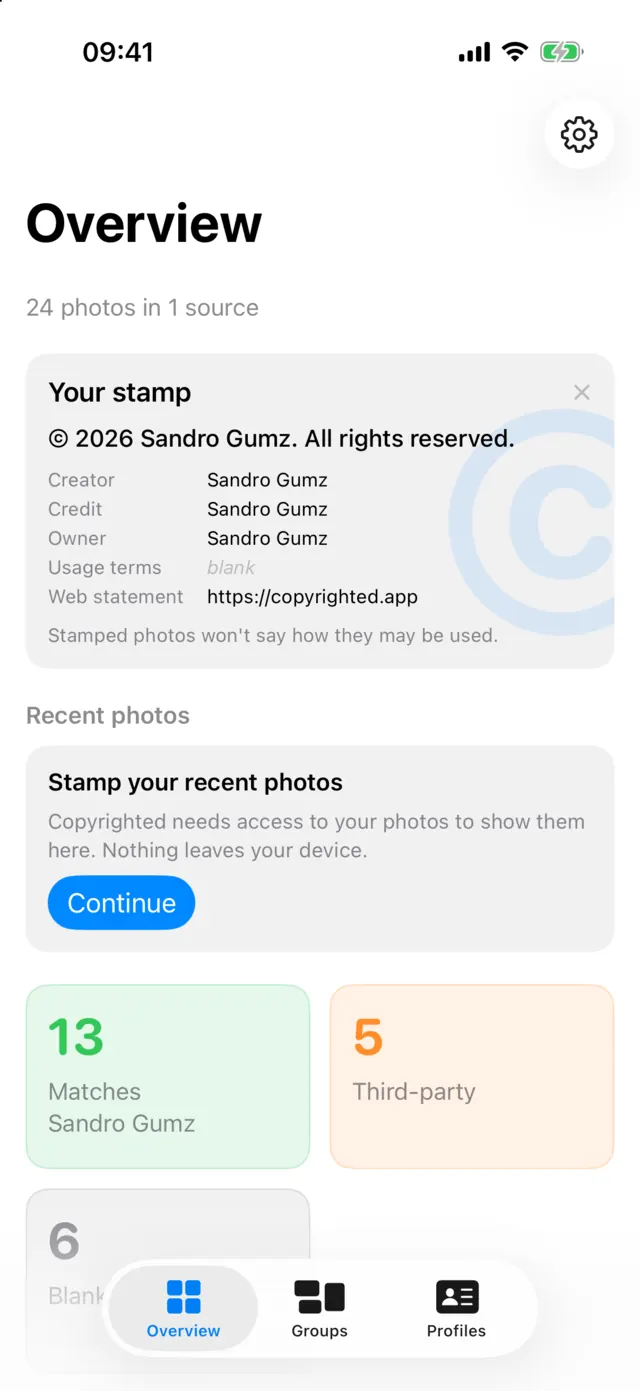
Free on the App Store, for iPhone, iPad and Mac. Scan, group and check for free, and stamp your first 50 photos.


Requirements
- iPhone
- iOS 18 or later
- iPad
- iPadOS 18 or later
- Mac
- macOS 15 or later
Copyrighted is in English. No account is needed.
One purchase, every device
Copyrighted is a Universal Purchase. Download it on each device from the same Apple Account, and Pro, if you buy it, unlocks on all of them. Family Sharing is supported.
Copyrighted ProAfter you install
- Allow access to your photos, or choose Limited to pick which ones.
- Create a Rights Profile with your notice, name, credit and website.
- Find Add Copyright and Copyright Info in the share sheet. If they aren't listed, scroll to the end and tap Edit Actions or More.
- In Messages, tap the + button, then More, then Copyrighted.